





The Experience, I wish they had.
Washing machines have been household staples for decades. The core interaction, twisting physical dials, has barely changed. Forgotten loads, wasted trips, and no way to monitor a cycle remotely are still the norm. So I decide to design a mobile experience that lets users remotely start, monitor, and complete laundry cycles, eliminating wasted trips and forgotten loads.

How can we give users control of their laundry without being in the room?
So I conducted a solo qualitative interviews with 6 participants aged 24–44, 40% female and 60% male, a mix of people who used shared laundry facilities and those with machines at home. The interview focused on four areas: current experience with washing machines, existing pain points, indispensable features, and what users would add if they could.
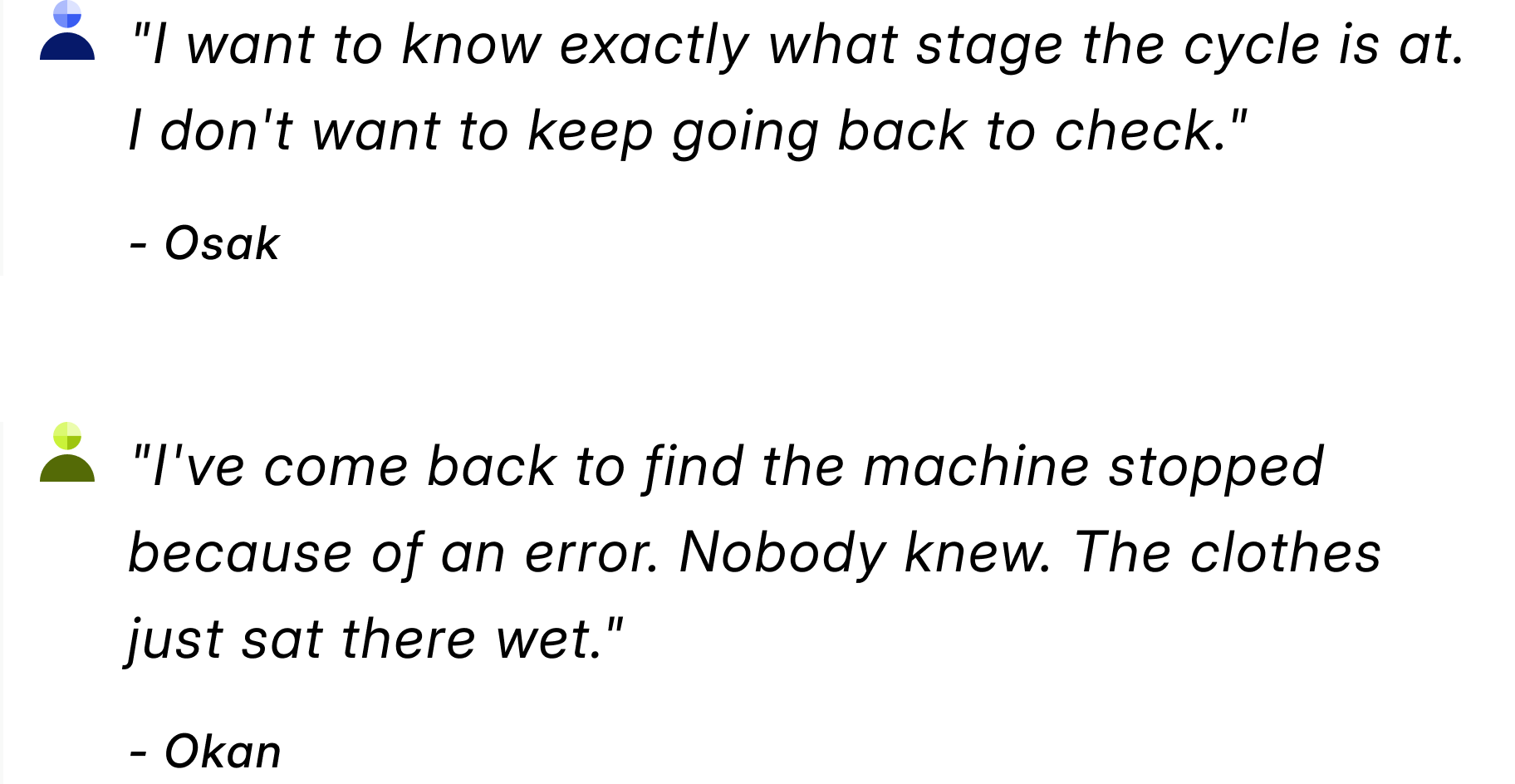
Four things stood out across all interview:
Real-time cycle visibility
70% of participants said knowing the exact stage of a wash cycle. Not just "running" or "done" the specific phase, time remaining, and current status.
Reminders were expected
not optional. Users wanted to be notified when a cycle completed so they could act immediately rather than discover a finished load hours later.
Error awareness
A sensor-driven alert system flagging issues with water inlet, spin, or cycle errors in real time, was raised unprompted by multiple participants.
Smart recommendations
Users wanted the app to suggest the right soap and water measurements based on their load, rather than relying on trial and error or reading the manual.

Competitive Analysis and Wireframe
I Studied Samsung Smart Washer, LG ThinQ, and Opal Camera, the last for its approach to hardware-software integration rather than as a laundry product. Also drew on observations from other mobile apps paired with physical devices. The opportunity for Probath was a simpler, more guided experience, one that worked regardless of the machine's original interface.

Your Machine, in Your Pocket
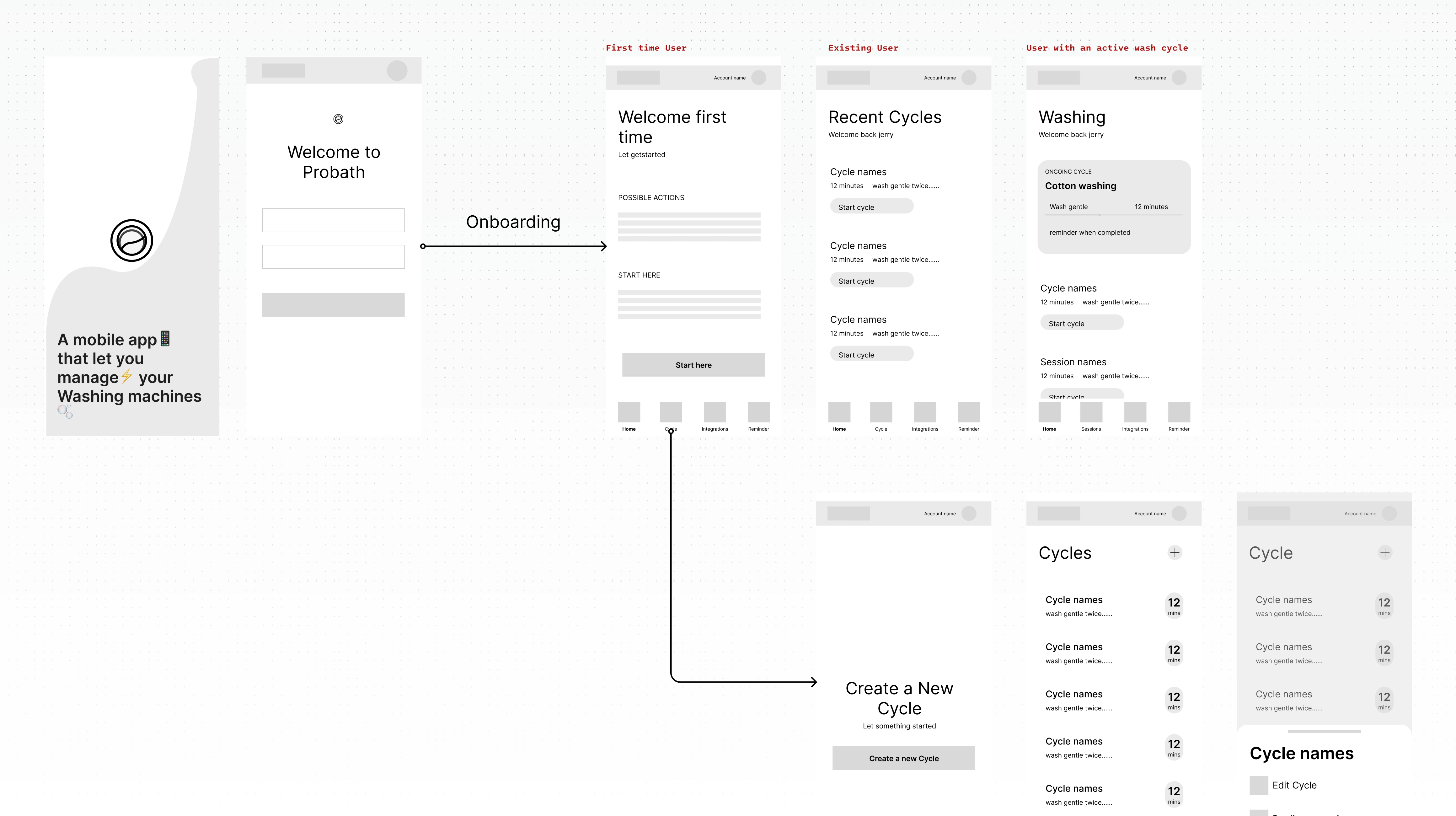
So I buit IoT companion app (iOS and Android) for washing machines, that gives users remote control, live cycle monitoring, smart recommendations, and real-time error alerts from their phone.
One-Click Onboarding
Connecting a machine had to be fast. The onboarding flow was designed to get users from download to connected in a single session, minimal steps, visual confirmation at each stage, no technical language.
Creating & Managing Cycles
Users could build custom wash cycles based on load size, fabric type, and preferences, selecting wash timer, spin speed, rinse and dry settings from within the app based on load size, fabric type, and preference.
Custom cycles can be saved so repeat loads needed no reconfiguration.
Live Cycle Monitoring
A real-time detail page was created for the active cycle, showing the current phase, time remaining, and machine status. Users could check from their phone at any time to verify the machine was running and see exactly what phase the load is in.
Smart Reminders and Alerts
Notifications fired when a cycle completed, when an error was detected. The app also tracked what the machine could not communicate on its own.
Users could also set general reminders to wash on a chosen day or time, weekly, biweekly, or whatever schedule fit their routine.
Error and Sensor Reporting
A sensor layer monitored machine performance throughout the cycle. If anything fell outside expected parameters, water flow, spin speed, electric interruption. The app flagged it immediately with a clear explanation and a suggested action.
The Brand
The visual direction was intentional: clean enough to feel like a utility product, considered enough to not feel like one.
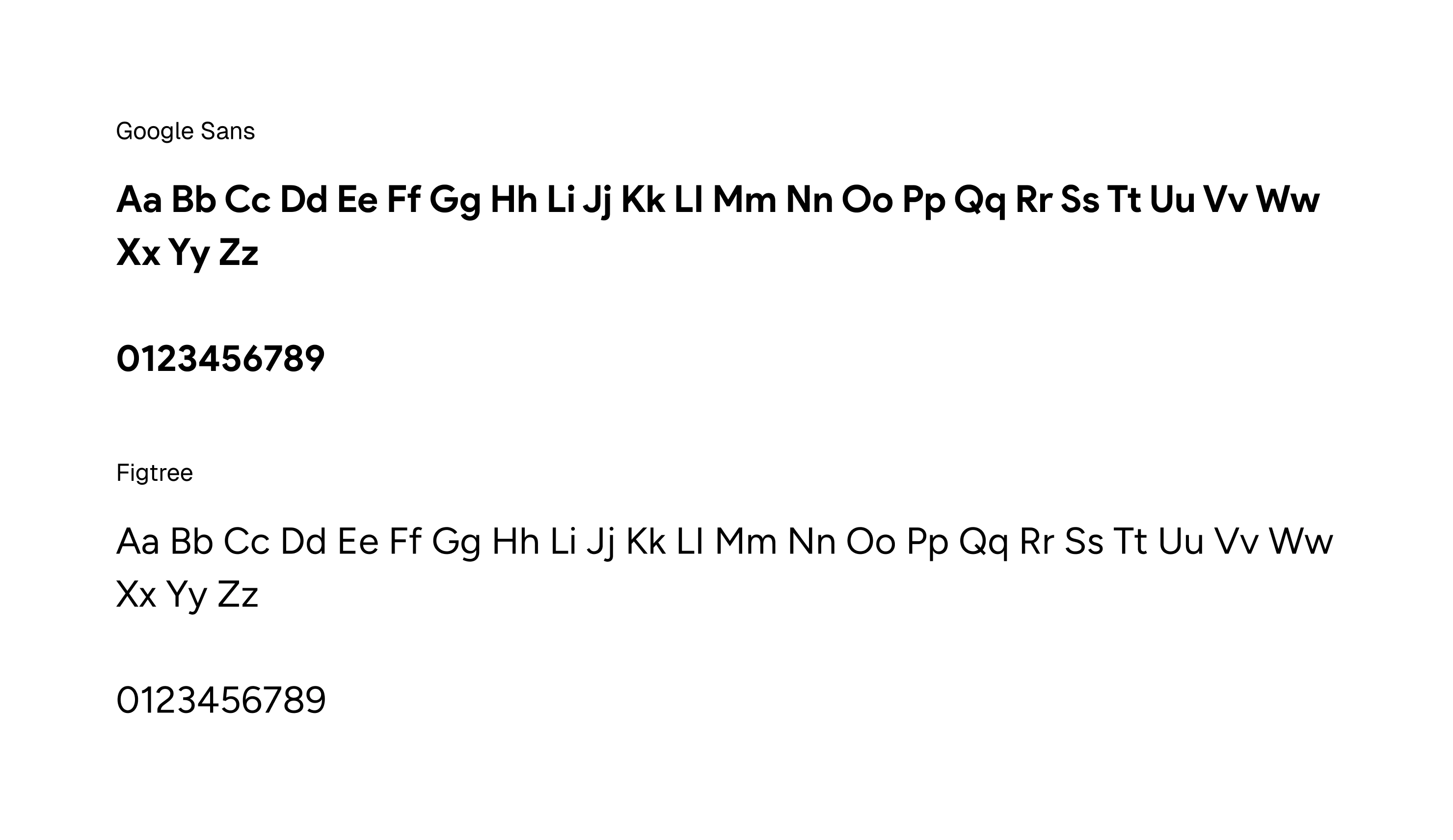
Typeface
Google Sans was chosen as the primary typeface, it’s highly readable across age groups, familiar without feeling generic. Figtree was paired for body copy and micro-text, where longer reading required a softer, more neutral voice.
App Icon
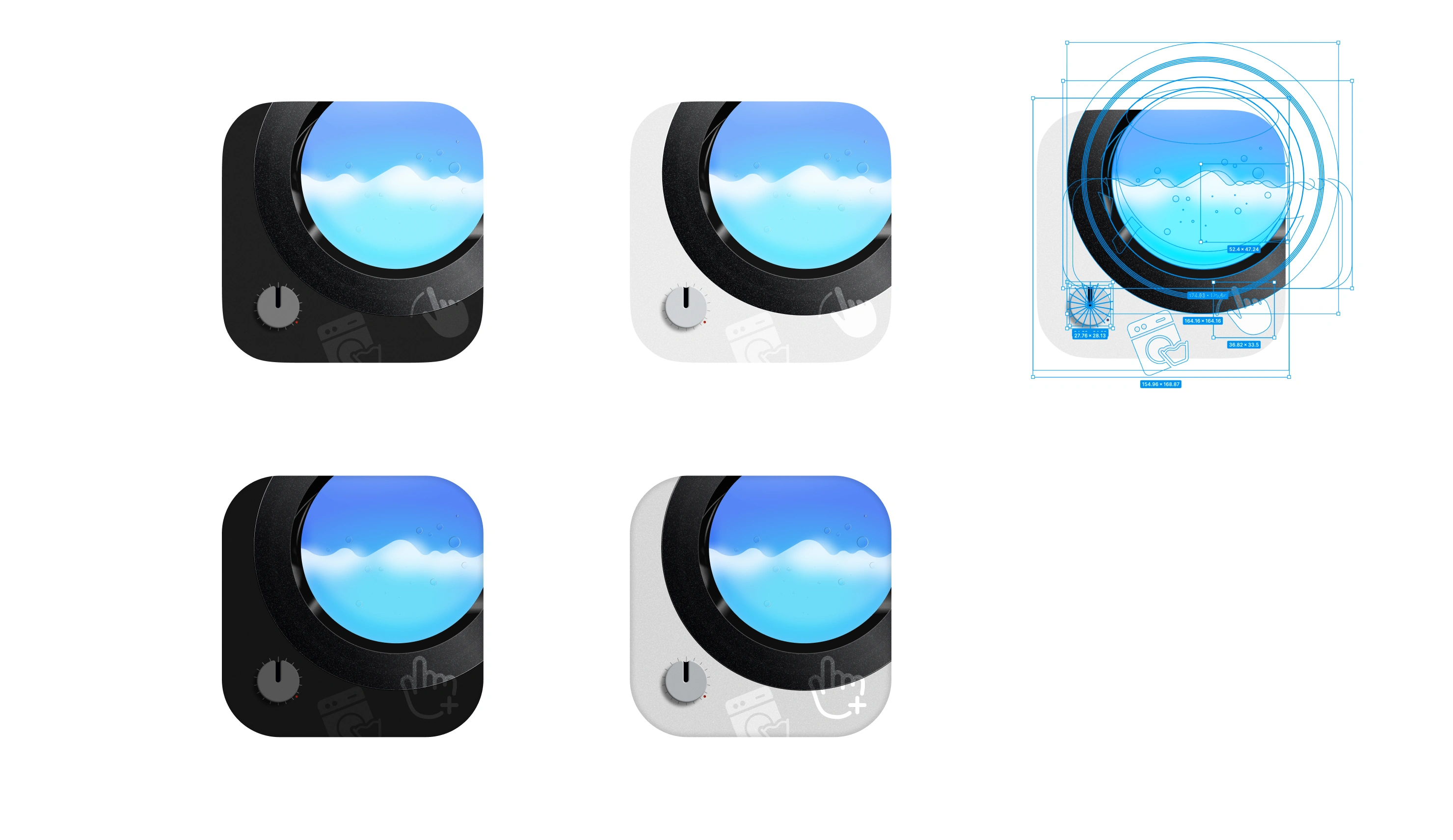
Several iterations led here. The goal was to capture the feel of a washing machine in a playful way, its manual dial, and a tactile cursor hand pressing down on it.
And we have 2 iterations, both in light and dark modes...
Other fun Prototypes
Takeaways
Hardware constraints shape software decisions
Designing for a physical device means accepting what the machine can and cannot communicate. Every feature had to account for the boundary between what the sensor knows and what the app infers.
Simplicity under complexity is the real design challenge
Probath handles cycle logic, error states, sensor data, and reminder scheduling, none of which should be visible to the user. The design challenge was making something technically capable feel effortless.
Onboarding is the product's first argument
If connecting the machine is confusing, nothing that follows matters. Getting that flow right was as important as any feature downstream.
This was one of the most fun personal projects I've done, no visual limitations, just me fully exploring the limits of Figma. 😅
Reflection
I feel there is more edge cases that deserve their own design exploration.
 Work
Work